 LedgerCrossing
QuickBooks Desktop Bank Feeds Not Working? Intuit's Fixes, and a Way Around
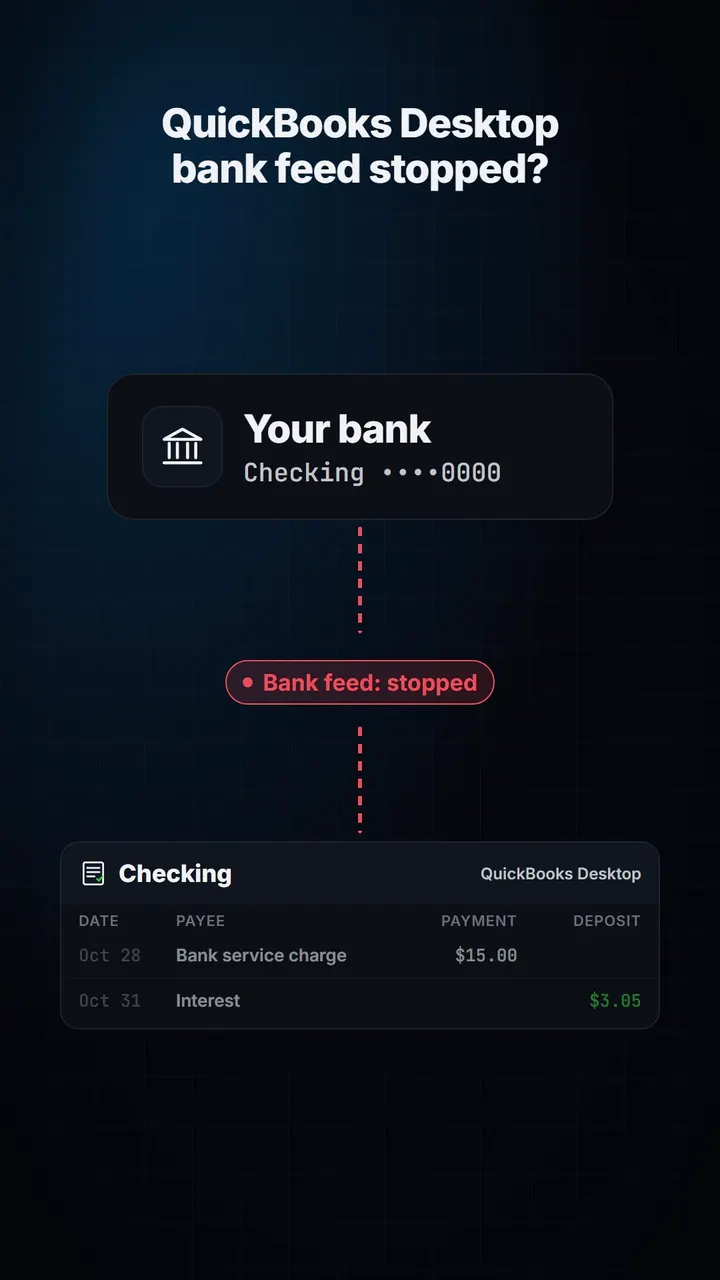
Short answer: Intuit lists the usual causes:
- your bank changed its connection;
- you're on a QuickBooks version Intuit doesn't support;
- a problem at your bank;
- your internet connection;
- a problem in the company file.
Some banks require you to reconnect. Bank of America's date was July 6, 2026: in Online Banking Setup, select Bank of America QBDT. Work through Intuit's fixes below in order. If the feed still won't download, skip it: download your statement as a PDF or CSV, and Claude (or another AI assistant connected through LedgerCrossing) lists every transaction, waits for your OK, then enters them in QuickBooks Desktop.
Updated November 28, 2026. QuickBooks is a trademark of Intuit Inc.; LedgerCrossing is not affiliated with or endorsed by Intuit.
Why QuickBooks Desktop bank feeds stop working
Intuit's Fix OL and OLSU Bank Feeds errors in QuickBooks Desktop (updated 8/5/2026) lists these causes, among others:
- "Your bank changed their service offering to Web or Direct Connect"
- "You're using a version of QuickBooks we don't support"
- "There's a problem with your bank"
- "There's a problem with your internet connection"
The same page covers these error codes: OLSU-1011, 1013, 1014 and 1016; OL-202, 203, 205, 206 and 209; OL-221, 231, 232 and 249; OL-301, 332, 334, 392 and 393.
On QuickBooks Desktop 2023 or older, the feed has stopped for a different reason. Intuit discontinued those versions, and its policy says: "You won't be able to download transactions, send online payments, or send online transfers." See Bring your bank feeds back.
Banks that require you to reconnect
Intuit's Refresh connection for online banking in QuickBooks Desktop (updated 8/3/2026) explains: "Sometimes, you need to reconnect your bank to QuickBooks to make sure the updates take effect." It lists these banks:
| Bank | Reconnect by | In Online Banking Setup, select |
|---|---|---|
| Bank of America | July 6, 2026 | Bank of America QBDT |
| Navy Federal Credit Union | July 28, 2026 | Navy Federal Credit Union QBDT |
| FirstBank of Colorado (and FirstBank of Colorado - ICM) | July 31, 2026 | PNC Bank QBDT EWC |
| American Express | March 30, 2023 | American Express Card QBDT (or American Express Delegate in some cases) |
| Chase Bank, First USA, Cardmember Service, Bank One, Discover | September 27, 2022 | Chase Bank (All) - New |
| Capital One | April 30, 2022 | Capital One Bank - New |
Intuit also notes that the American Express @Work bank feed "is currently unavailable."
If your bank is on this list and you haven't reconnected since its date, start with step 3 below.
Intuit's fixes, in order
These steps come from Intuit's OL/OLSU and refresh-connection pages.
Before you start:
- Update QuickBooks to the latest release and back up your company file.
- Sign in to your bank's website outside QuickBooks, and clear any pending alerts there.
- Deal with pending downloaded transactions in QuickBooks first.
- Check whether the error also happens in Bank Feeds Classic Mode. If it doesn't, Intuit says "the file from your bank works best in Classic Mode."
1. Download in a test company file
Intuit: "To see if there's a problem with your bank's servers, try to download transactions in a test company file." If the error shows up there too, the problem is likely at your bank.
2. Check the file from your bank
Download a file from your bank's website and import it. Intuit: "QuickBooks only opens downloaded transactions in a .qbo file extension." Its Web Connect help adds that .qbo import "requires you to sign in to your Intuit Account within QuickBooks Desktop."
3. Refresh the connection
Turn off Bank Feeds for the account, then turn it back on and reconnect: enter your bank's name, then your username and password. Some banks open a browser window or send a one-time code. Intuit also says to turn off online banking on any inactive account that still has the lightning bolt: "this means the account is set up for online banking."
4. Create and merge the account
If the company file is the problem, Intuit suggests creating a copy of the account, then merging it with the old one, and setting up Bank Feeds again.
5. Turn online banking off and on for every account
Intuit: "Turn off, then set up online banking for each of the accounts." If the error is still there, contact your bank's support with your Bank Feeds log, ask them to escalate through Intuit's OFX Connectivity page, and note the ticket number.
Or skip the feed: enter your statement with Claude
If the feed still won't download, or your bank no longer offers one, you don't have to wait. Most banks still let you download a statement, and LedgerCrossing, a Windows app on your QuickBooks computer, lets an AI assistant enter it:
- Connect an AI assistant.
- From anywhere: claude.ai, ChatGPT, Meta Muse or Grok Bot, through LedgerCrossing Remote (setup). Remote starts everyone read-only, so to let the assistant enter transactions, turn off both Read-only switches in Settings > Allowed Connections > Internet: the one at the top and the one on that person.
- On that computer or your office network: Claude Desktop, Claude Code, Cursor, VS Code, Codex or Gemini CLI.
- Attach the statement (PDF, CSV or spreadsheet) and say how to enter it. For example:
Here's my October Checking statement. Enter it in QuickBooks: money out as checks, money in as deposits, in Checking. For each payee, use the account from my last entry for them. First check whether each row is already in QuickBooks with the same date and amount, and skip those. List every row with the account you'd use, and wait for my OK.
- Check its list, correct anything you'd do differently, and say OK. LedgerCrossing enters the transactions through Intuit's QuickBooks SDK.
- Ask for the total it entered and compare it with the statement. If your statement shows check numbers, tell it to use them. If not, tell it to leave the check number empty. Otherwise QuickBooks fills in its own next number, which may already be on another check. If that already happened, ask it to clear those numbers.
The entries go straight into your account registers as checks and deposits, or as card charges and credits. They don't go through QuickBooks' Bank Feeds Center. Full walkthrough: How to import bank transactions into QuickBooks Desktop.
Want the feed itself back without Intuit's connection? Connect an AI agent or app to your bank through Plaid, and LedgerCrossing puts the transactions it pulls into QuickBooks Desktop. How.
What it works with
- QuickBooks Desktop Pro, Premier and Enterprise on Windows, 2019 and later. That includes releases Intuit has discontinued: we test on Enterprise 21.0 with no Intuit account signed in.
- QuickBooks must be able to create transactions. View-only mode can't.
- Not Mac. LedgerCrossing doesn't work with QuickBooks for Mac.
Frequently asked questions
Why are my bank feeds not working in QuickBooks Desktop? Intuit lists several causes:
- your bank changed its connection;
- a QuickBooks version Intuit doesn't support;
- a problem at your bank;
- your internet connection;
- a problem in the company file.
Work through Intuit's fixes in order. Or enter your statement with an AI assistant through LedgerCrossing while the feed is down.
Why won't Bank of America download into QuickBooks Desktop? Bank of America is on Intuit's list of banks that require reconnecting, with a date of July 6, 2026. Turn Bank Feeds off for the account, turn it back on, and in Online Banking Setup select Bank of America QBDT. If it still fails, download your statement and enter it with an AI assistant through LedgerCrossing.
Why did my American Express feed stop? American Express is on Intuit's reconnect list (March 30, 2023): select American Express Card QBDT, or American Express Delegate in some cases. Intuit says the American Express @Work bank feed "is currently unavailable."
What do OL and OLSU errors mean? They're QuickBooks Desktop's bank feed error codes. Intuit's fix page covers OLSU-1011 to 1016 and OL-202 to OL-393, with the same five steps as above.
Can I import a CSV from my bank instead? QuickBooks Desktop's own bank import opens .qbo files ("the only type Web Connect can read," per Intuit). Its Excel import is for lists, not transactions. For a CSV or PDF, upload it to an AI assistant connected through LedgerCrossing. It lists every row, waits for your OK, then enters them. How.
Can I get my bank transactions in while the feed is down? Yes. Download your statement, and an AI assistant connected through LedgerCrossing enters it after you check its list. Or connect your bank through Plaid, and LedgerCrossing enters what it pulls.
Will it enter something twice? Not if you ask it to check first. Tell it to look for an entry with the same date and amount before adding each row.
Do bank feeds work on QuickBooks Desktop 2023 or older? Not through Intuit: those versions are discontinued and can't download transactions. You can still bring them back through Plaid, or enter your statements, with LedgerCrossing. How.
How much does LedgerCrossing cost?
- LedgerCrossing: $299 one-time per computer (limited-time price, rises to $349), with unlimited company files and a 30-day money-back guarantee.
- The AI connection: the MCP server is included in the product. claude.ai, ChatGPT, Meta Muse and Grok Bot connect through LedgerCrossing Remote ($39/mo; you're paying for the hosted relay, not the AI).
- Assistants on your own computers: Claude Desktop, Claude Code, Cursor, VS Code, Codex and Gemini CLI on the QuickBooks computer or office network are included.
Related: Import bank transactions into QuickBooks Desktop · QuickBooks Desktop discontinued: bring your bank feeds back · QuickBooks Desktop end of life, by version · AI for QuickBooks Desktop
Buy LedgerCrossing — $299 → One-time, per computer, unlimited company files, 30-day money-back guarantee.